Integrating Fax.Plus with Microsoft Teams allows you to streamline communication, receive fax notifications directly in Teams, and improve collaboration across your organization. You can also initiate fax-related workflows depending on your setup, helping teams stay informed and productive.
Fax.Plus now offers a native integration with Microsoft Teams, which enables direct connectivity without requiring third-party automation tools. This is the recommended option for users who want a simple and fully supported setup within Microsoft Teams.
In addition to the native integration, you can also use Zapier to build custom workflows between Fax.Plus and Microsoft Teams. This option is ideal for users who need more advanced or flexible automation, such as multi-step workflows or conditional triggers beyond the native capabilities.
Follow these steps to begin your workflow automation:
- Log in to your Zapier account and navigate to the dashboard. Click on the Create a Zap button to begin setting up your integration.
- Choose Fax.Plus as the Trigger App and select the Trigger Event you want to use, such as "New Fax Received." A Trigger is an event that starts a Zap. A pop-up will appear where you will need to authenticate access to your Fax.Plus account to retrieve fax-related information.
- Next, choose Microsoft Teams as the Action App. Select the Action Event you want to perform in Teams, such as "Send Channel Message.” You will also need to authenticate Zapier access to your Microsoft Teams environment.

- Test your Zap to ensure that it is functioning as expected.
- Once confirmed, activate your Zap to begin the integration between Fax.Plus and Microsoft Teams.
Note: You have the flexibility to choose either Fax.Plus or Microsoft Teams as a Trigger or Action App within Zapier to control your workflow according to your liking. Refer to images below.
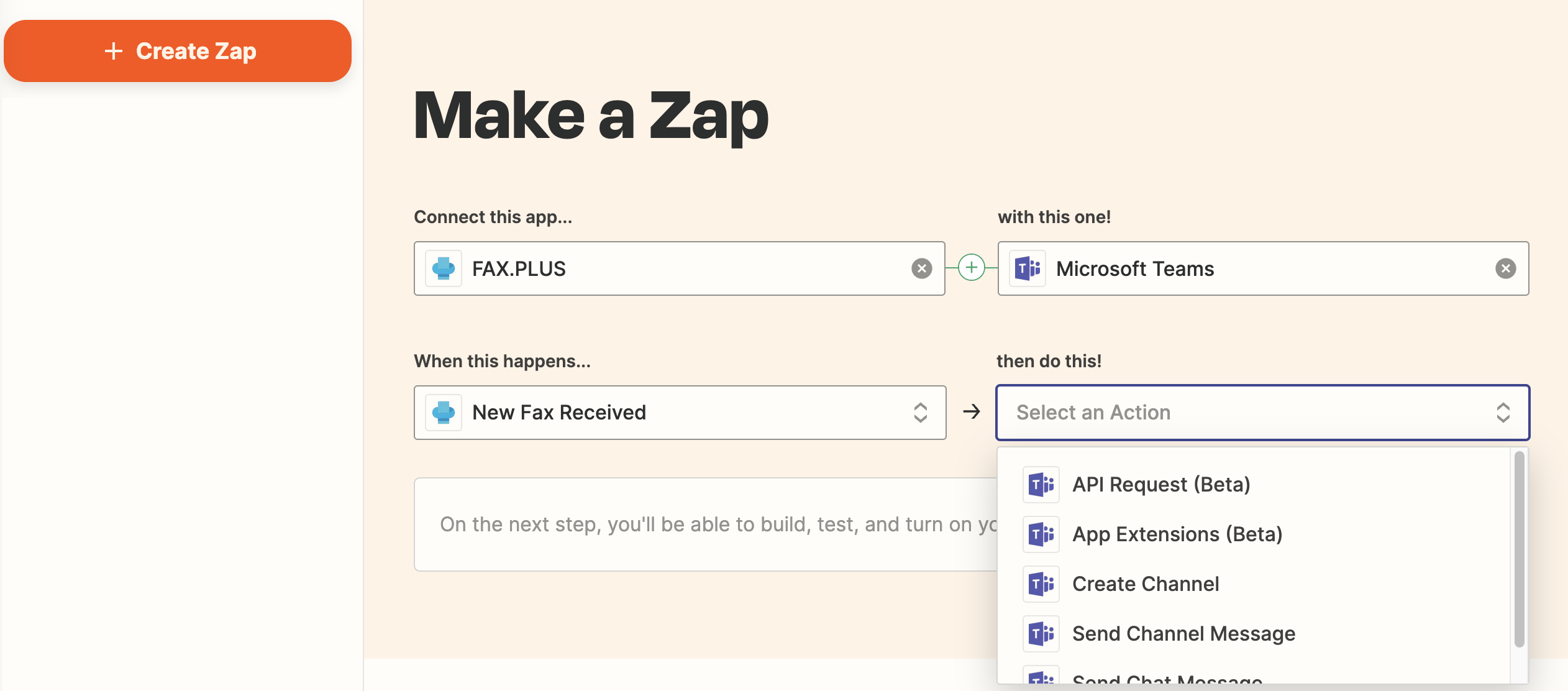
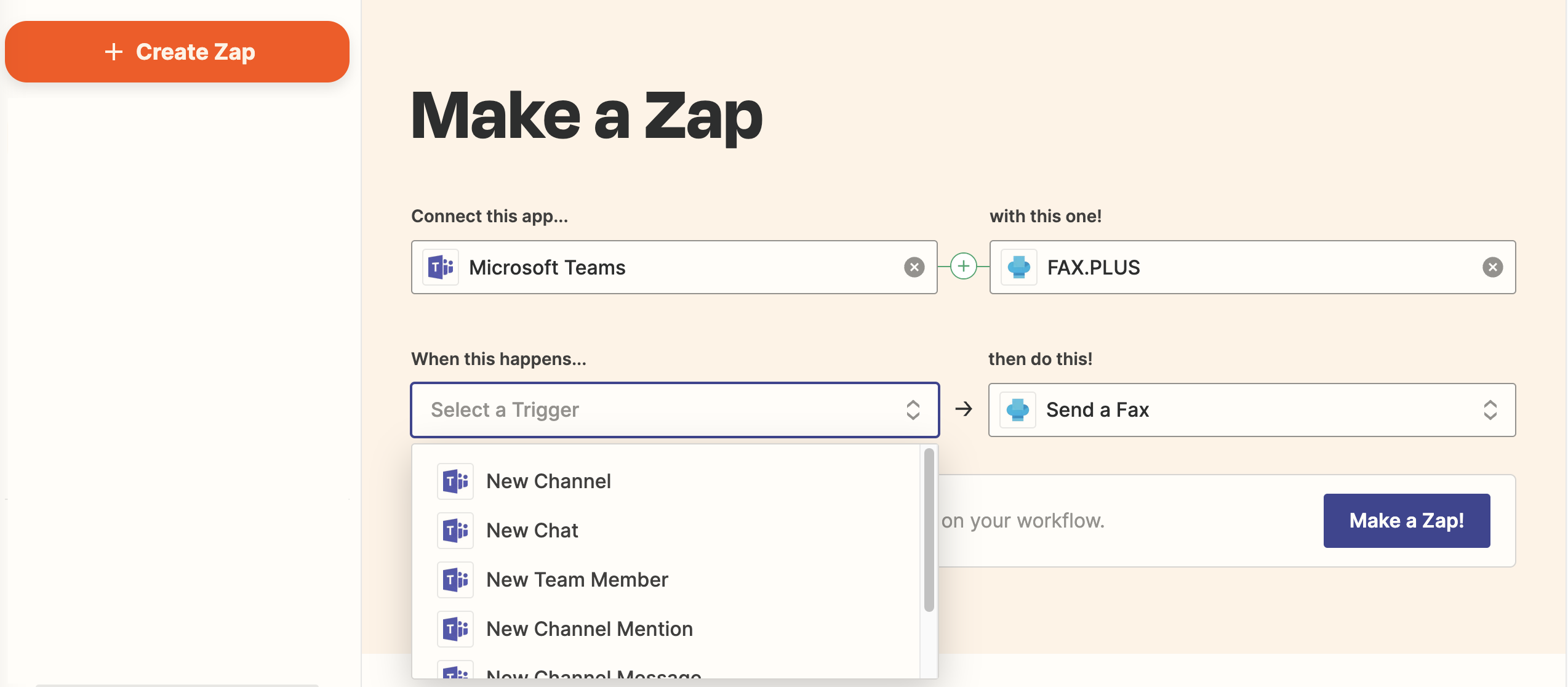
Use cases of integrating with Microsoft Teams
By integrating Fax.Plus with Microsoft Teams through Zapier, you can streamline communication and keep your team informed about fax activity directly within Teams, improving collaboration and response times. Here are some examples of use cases:
When a new fax is received in Fax.Plus, Zapier can automatically send a message to a selected Microsoft Teams channel, ensuring that team members are instantly notified without needing to check the Fax.Plus dashboard. This helps centralize communication and improve visibility across the organization.
You can also automate fax sending workflows based on activity in Microsoft Teams. For example, when a message is posted in a specific Teams channel or a defined trigger occurs, Zapier can initiate sending a fax through Fax.Plus, allowing teams to connect internal discussions directly with external fax communications.